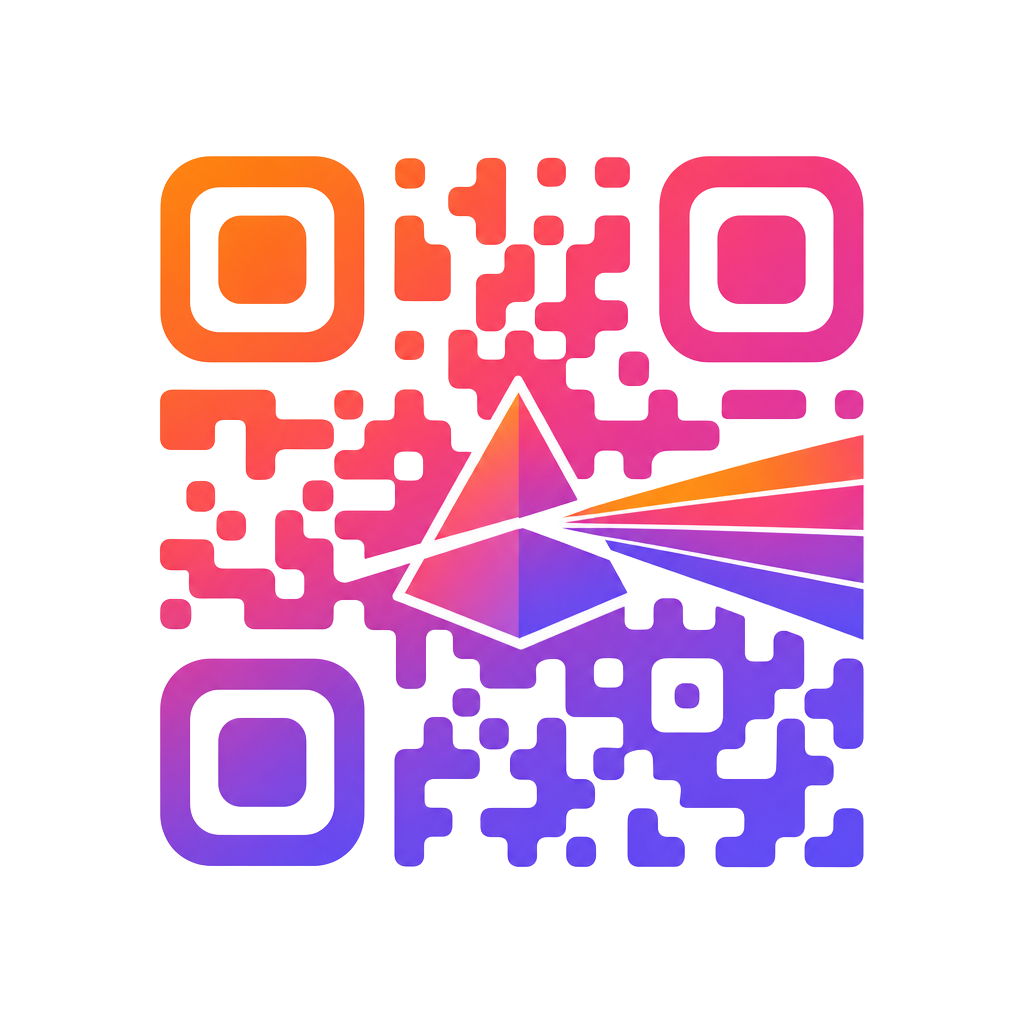
How to create a QR code with a logo (and keep it scannable)
A branded QR code is one of the easiest ways to turn a printed asset into something people actually scan. Here's how to put your logo in the middle without breaking it — plus what error correction level to pick.
TL;DR: use error-correction level H, keep the logo under about 25–30% of the QR width, keep strong contrast between modules and background, and always test-scan before printing.
1. Why logos break QR codes (and why they don't have to)
A QR code is a grid of black-and-white modules that encode your URL. When you drop a logo in the middle, you cover some of those modules — the scanner has to guess what's underneath. Every QR has built-in redundancy called error correction, and that's what makes branded codes work.
2. Error correction levels, explained
QR codes ship with four correction levels. Higher levels can survive more damage — including a logo — at the cost of a slightly denser code.
- L (Low) — recovers ~7%. No logo. Fine for tiny data on clean backgrounds.
- M (Medium) — recovers ~15%. Safe for a small mark, not a full logo.
- Q (Quartile) — recovers ~25%. Good for restrained logos.
- H (High) — recovers ~30%. Use this for any QR with a logo.
PrismQR always generates codes at level H, so your logo has room to breathe.
3. How big can the logo be?
As a rule of thumb, keep your logo (including any padding around it) under 25–30% of the QR width. At level H you can push toward 30%, but always test-scan on a couple of phones before you commit.
4. Contrast, colors and gradients
Scanners need to see a clear difference between the modules and the background. Dark modules on a light background is the safest recipe. If you're using a gradient, keep both stops darker than the background — a light-to-light gradient looks great but scans poorly.
- Modules noticeably darker than background
- Keep a quiet zone (empty margin) around the code
- Export as SVG for print, PNG for screens
5. Step-by-step in PrismQR
- Open the studio and paste the link you want the QR to open.
- Pick a preset gradient — or set your own From and To colors.
- Upload your logo (PNG or SVG). PrismQR sizes it safely and clears the modules underneath.
- Try a few module shapes. Rounded and classy modules read as more premium; square is the most literal.
- Download PNG for social/screens, SVG for print at any size.
- Scan it with two different phones before you ship it.